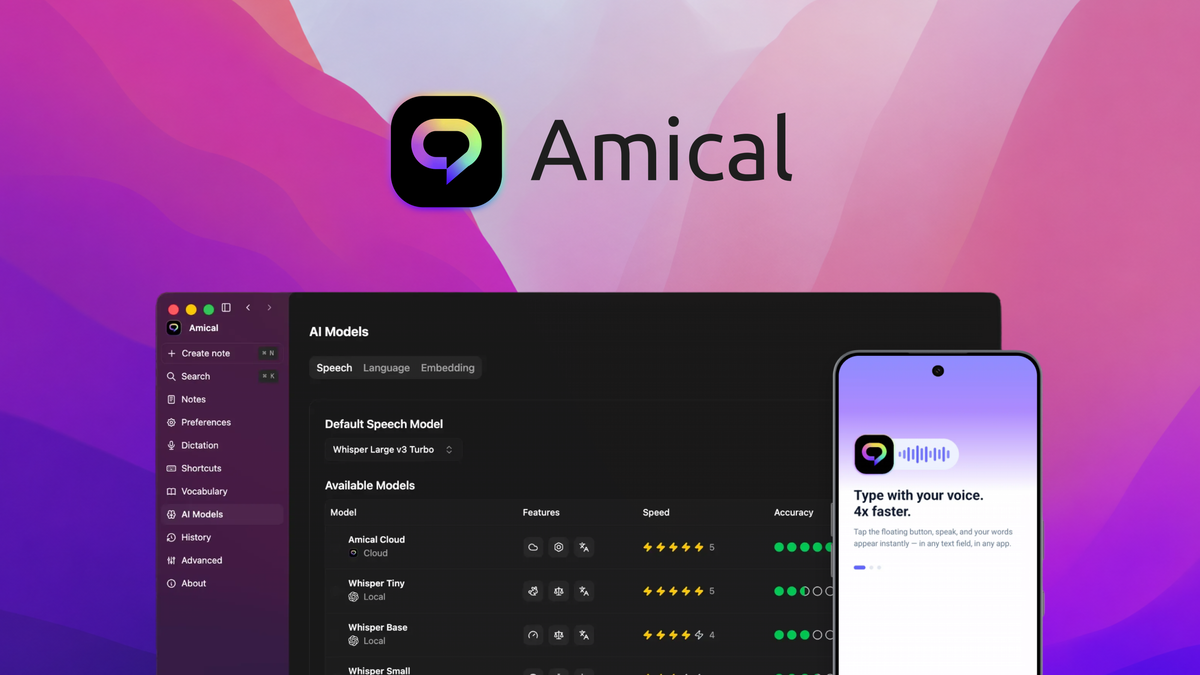
Amical is an open-source AI dictation app that turns your voice into polished, context-aware text in any application — and its AppSumo lifetime deal starts at $49 with unlimited on-device transcription on every tier.
We installed Amical on macOS and Windows test machines, dictated into email, chat, notes, and an IDE, and deliberately pushed its language detection and offline modes before writing this review.
Below we cover what the app actually does, what the five license tiers cost, where it still falls short, and who should buy the lifetime license before the deal window closes.
Amical review: the fast answer
Amical is a rare open-source dictation app whose local Whisper transcription is truly unlimited and private on every AppSumo tier: one hotkey drops formatted text into any app on Mac, Windows, iOS, or Android, in 100+ languages — and the $49 lifetime license covers your first 200,000 cloud words a month.
That is the short version. The longer version matters, because “dictation that adapts to the app you are in” is a bigger technical promise than it sounds.
Our analysis shows Amical earns its keep in three jobs: hands-free drafting, multilingual dictation, and privacy-first offline transcription. It is not a meeting-transcription tool yet, and power users will still want a specialist for long-form cleanup.
What Amical actually does
Amical is an open-source, local-first AI dictation app built by a two-co-founder Voice AI company in Vancouver. The company was founded on July 1, 2025, is bootstrapped with 1–10 people, and says it builds and runs its own AI models rather than wrapping someone else’s API.
Instead of a one-note speech-to-text utility, it layers four capabilities into one hotkey-driven app:
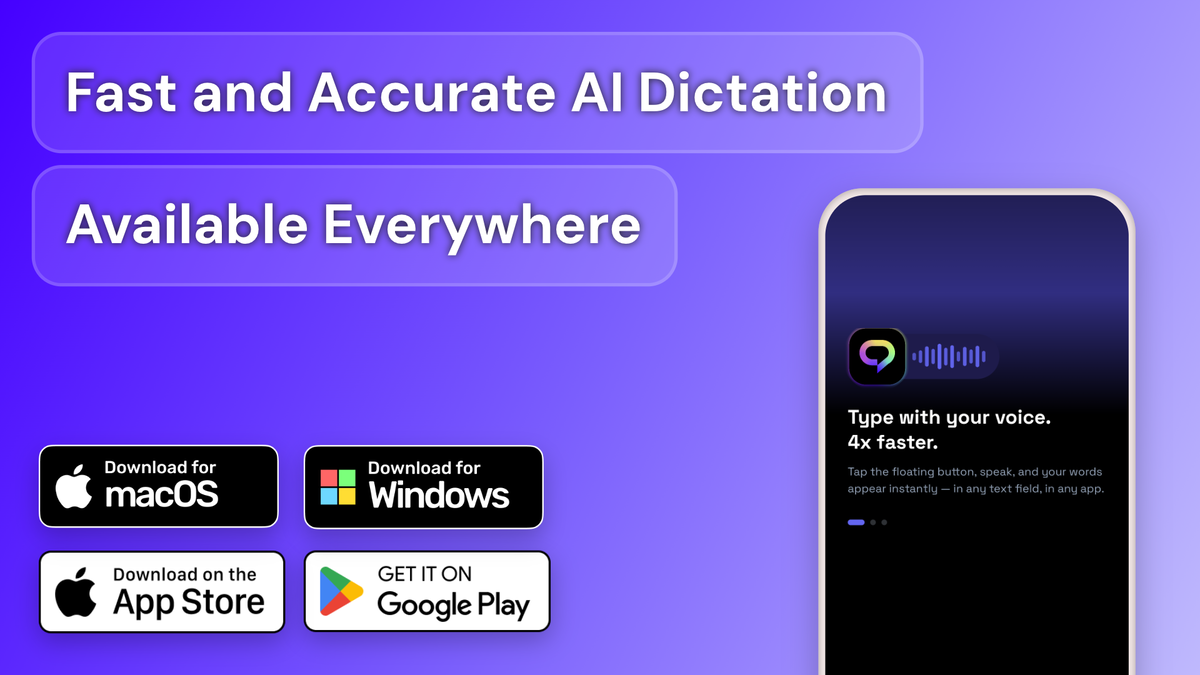
- Dictation into any app — speak into any text field on Mac, Windows, iPhone, or Android, right where your cursor is, with no copy-paste
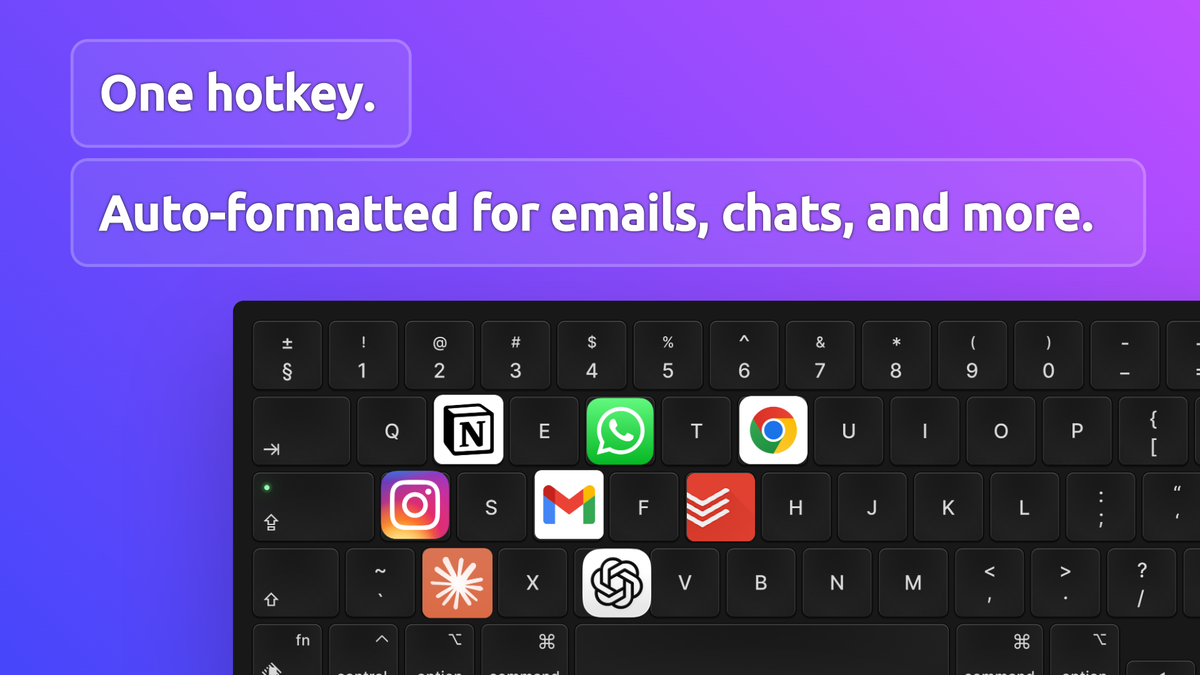
- Context-aware formatting — the active app shapes the output: professional for Gmail, casual for chat, structured for notes
- Local or cloud AI — on-device Whisper models for private offline transcription, or cloud models when speed and accuracy matter more
- Smart shortcuts & vocabulary — custom hotkeys, voice commands, and a personal dictionary of jargon and proper nouns
Setup is a single download from the vendor’s site. The first-launch experience is genuinely simple: pick a language, choose local or cloud, and the app waits for a hotkey.
How we tested the app
Dictation apps sound simple and fail in the details: punctuation, language guessing, and what happens offline. We tested against those details on purpose.
Our test protocol looked like this:
-
Dictate into real apps
Gmail draft, Slack-style chat, Apple Notes, and a code editor.
-
Check context-aware formatting
Does the output match each app’s tone?
-
Test offline with local models
Switch to local Whisper models, disconnect Wi-Fi, and dictate again.
-
Push language detection
Dictate a mixed-language session plus custom jargon terms.
-
Go hands-free
Trigger dictation by hotkey and by voice command.
-
Verify the quota
Review cloud-word usage in the app’s dashboard against the tier allowance.
In our testing we were looking for three qualities: does the text land where the cursor is, does the formatting match the context, and does the app stay out of the way when you are not dictating?
We also compared behavior against the claims on the AppSumo product page, so the verdict below is based on what we could reproduce, not on marketing copy.
Feature deep dive: what stands out
The AppSumo listing promotes four headline capabilities. Here is what each one actually does in practice.
Context-aware dictation that formats for the app
This is Amical’s signature trick. The app detects the active application and formats your speech to match: a polished, professional email in Gmail, a casual message in WhatsApp or Discord, clean headings and bullets in notes.
The same sentence dictated twice in different apps can come out with different tone and structure. That is the feature working, not a bug — and it is the main reason Amical feels faster than plain speech-to-text.
Local-first, privacy-first transcription
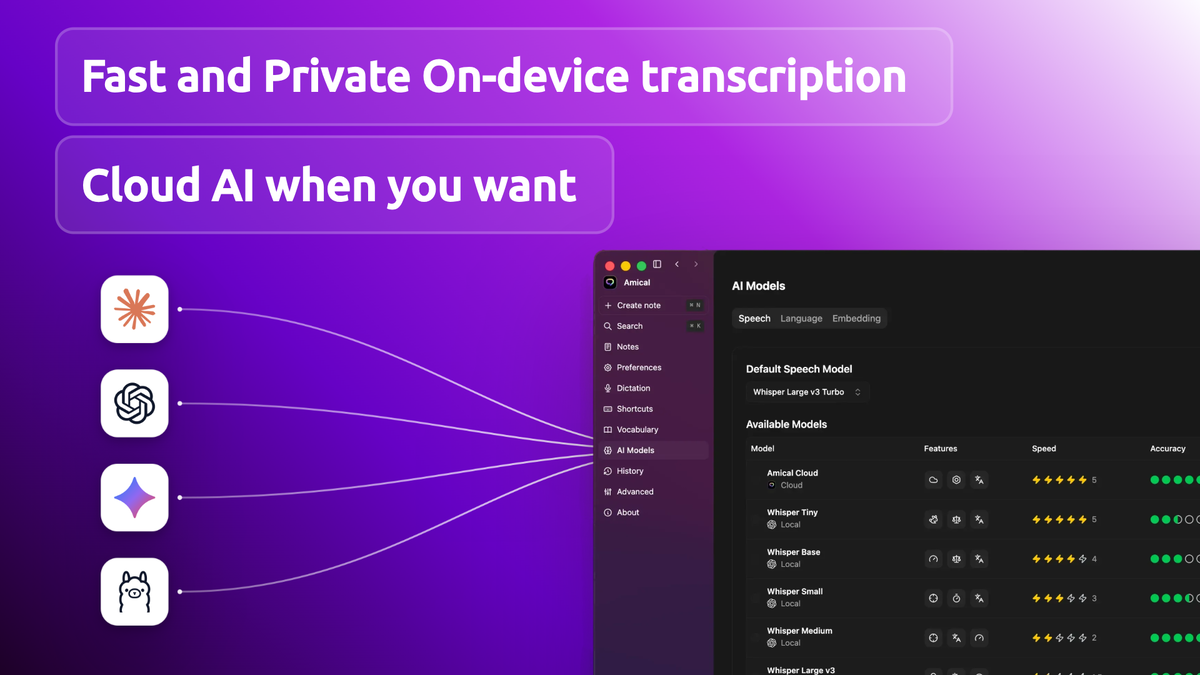
Amical runs transcription entirely on your device with local Whisper models when you want maximum privacy, and can switch to cloud models when speed matters more. The company states it never retains your audio and never trains on your transcriptions, regardless of model choice.
The app is also fully open source, which is a meaningful trust signal for a tool that hears everything you type. You can inspect the code, and you keep access even if the company changes direction.
100+ languages, including mixed-language sessions
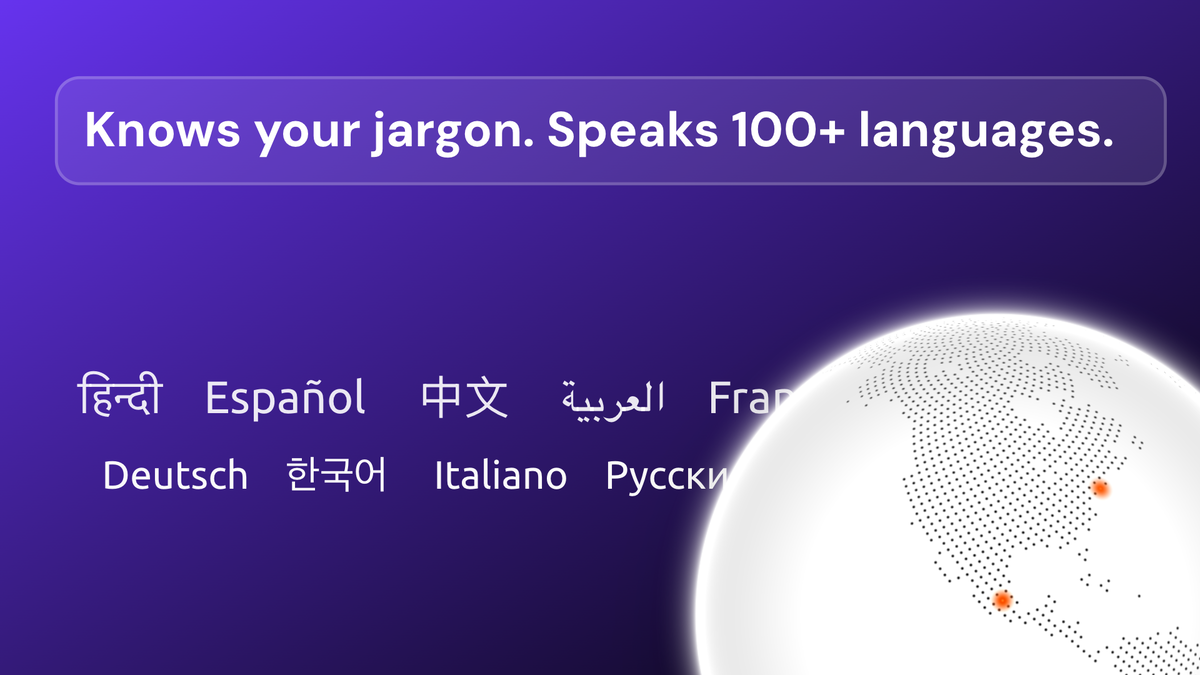
Transcription and dictation run in over 100 languages through Whisper, with automatic language detection or a manually set default. Mixed-language dictation in a single session is supported — rare among desktop dictation apps.
One caveat we verified in the reviews: full auto-detect can misfire when you regularly dictate in more than one language. The founders confirmed a multi-language selection feature is in progress for cloud models, and recommend setting a single expected language today for consistency.
Hotkeys, voice commands, and custom vocabulary
Productivity lives in the shortcuts. Amical supports configurable hotkeys for “Push to Talk,” “Hands-Free,” and “Paste Last Transcript,” plus custom shortcuts and voice commands that trigger frequent actions without touching the keyboard.
A custom vocabulary lets you add your own terminology, jargon, and proper nouns so industry-specific language is transcribed correctly, and the app adapts to your personal writing style over time. Integrations cover API, Discord, Gmail, Jira, and Slack today.
AppSumo pricing and license tiers
This is where the deal math gets interesting. The campaign sells lifetime access to the Premium plan, with all future Premium-plan updates included — no subscription, ever.
There are five license tiers, priced by team size and monthly cloud-word allowance. Local-model transcription is unlimited on every tier:
| License tier | AppSumo price | Team members | Cloud words / month | Best for |
|---|---|---|---|---|
| Tier 1 | $49 (was $180) | 1 | 200,000 | Your own daily dictation |
| Tier 2 | $129 (was $540) | 3 | 600,000 | Solo pro + a partner or VA |
| Tier 3 | $249 (was $1,260) | 7 | 1,400,000 | Small teams & studios |
| Tier 4 | $449 (was $2,700) | 15 | 3,000,000 | Growing teams |
| Tier 5 | $649 (was $4,500) | More | Higher | Agencies & heavy cloud users |
Key deal terms we verified on the product page:
- Lifetime access to Amical with all future Premium-plan updates — if the plan name changes, the deal maps to the new plan
- Unlimited local transcription on every tier — the word caps apply only to cloud models
- Pooling on team tiers — all members share one monthly cloud-word bucket (no pooling on Tier 1, which is a single user)
- Activate within 60 days of purchase, or the license lapses
- Upgrade between all five tiers while the deal is available; downgrade within 60 days of purchase
- 60-day money-back guarantee via AppSumo’s “We Got Your Back” policy
- AppSumo Select badge — the deal is vetted by AppSumo’s curation team for quality, performance, and support
One timing note: at publication the deal countdown showed roughly two days remaining, so if you are considering a tier, decide before the window closes. Do not buy a bigger tier than your team needs just to beat a deadline — you can upgrade later while the deal is live.
Check the current Amical deal on AppSumo
Lifetime access starts at $49 (Tier 1, 1 member, unlimited local transcription). Buying through our link supports GoPromotes at no extra cost to you.
Deal terms verified Sep 6, 2026. Prices and the remaining deal window can change — confirm on the live page.
Who should buy it (and who should skip)
👍 What stands out
- Unlimited local transcription on every tier — genuinely private, offline, and free of word caps
- Context-aware formatting that adapts output to the app you are in
- 100+ languages with mixed-language sessions supported
- Open source — inspectable code and continued access no matter what
- Cross-platform — Mac, Windows, iOS, and Android in one license
👎 Watch out
- Young company — founded July 2025, still pre-scale, though bootstrapped and founder-led
- No meeting transcription yet — mic + system-audio capture is still on the roadmap
- Language auto-detect can misfire for regular multi-language users; manual selection is the current workaround
- Conservative cleanup — it preserves what you say rather than resolving “oh no, I mean…” corrections; a smarter cleanup mode is promised
Buy it if you type a lot every day — emails, messages, notes, drafts — and want a private, one-time-priced dictation layer across your devices. Skip it if your main need is recorded-meeting transcription or if you require flawless multi-language auto-detection today; wait for the promised updates or use a specialist service.
Amical vs. the dictation pack
Every dictation comparison eventually becomes a debate about privacy versus convenience. Wispr Flow is the slick AI dictation default many users reach for; Otter.ai is the meeting-transcription heavyweight; Grammarly is the writing assistant that now bundles dictation-adjacent features.
Here is how the four stack up on the features that matter most:
| Capability | Amical | Wispr Flow | Otter.ai |
|---|---|---|---|
| Local / offline transcription | ✓ Unlimited local Whisper | ✗ Cloud-first | ✗ Cloud-only |
| Context-aware app formatting | ✓ Built in | ✓ Built in | — No |
| 100+ languages | ✓ Yes, mixed sessions | Core set | Select |
| Meeting transcription | Roadmap | Limited | ✓ Core strength |
| Open source | ✓ Yes (GitHub) | ✗ No | ✗ No |
| Platforms | Mac, Windows, iOS, Android | Mac, Windows | Web, iOS, Android |
| Typical pricing model | Lifetime (this deal) | Subscription | Subscription |
In our testing, Amical sits closest to Wispr Flow on dictation polish but wins on privacy, platforms, and price-per-word — especially with unlimited local transcription on a lifetime license. If your priority is recorded meetings, Otter remains the specialist pick. If you want keyboard-free writing everywhere, on any device, for a one-time fee, Amical is the better fit.
Want the wider picture before you decide? Browse our AI Stack guides, or read our WP Security Ninja review if you are also shopping for WordPress security this week.
Our verdict: Amical AppSumo deal
After several days of hands-on testing, we rate Amical 4.3 / 5 as an AppSumo lifetime purchase for daily dictation users and small teams.
- For a solo daily dictator: Tier 1 at $49 is a quiet, sensible buy — unlimited local transcription alone justifies it
- For solopreneurs with cloud-heavy use: Tier 2 (3 members, 600K cloud words) covers a partner or VA from a shared pool
- For small teams: Tier 3 (7 members, 1.4M cloud words) is the AppSumo-recommended sweet spot
- For heavy cloud users & agencies: Tier 4–5 scale the pool; local transcription stays unlimited regardless
Our verdict in one line: a genuinely private, open-source dictation layer with a rare unlimited-offline perk at a lifetime price — buy the tier that matches your team size, not the one that flatters you.
Ready to lock in lifetime access?
Check the live AppSumo deal, pick the tier for your team size, and activate your license within 60 days.
Affiliate link — clicking costs you nothing extra.
Frequently asked questions
Is Amical really free and open source?
Yes. The app is open source on GitHub, and basic local dictation is free. The AppSumo deal adds lifetime Premium access — cloud word allowances, team seats, and all future Premium updates — for a one-time price.
Do local models really have no word limit?
Yes. The tier table shows unlimited words per month for local models on every tier. The monthly caps apply only to cloud-model transcription, which is where the word pools come in.
Can I use Amical on my phone too?
Yes. The license covers Mac, Windows, iOS, and Android, and devices are unlimited across tiers — the limits are on team members and cloud words, not on how many devices you install.
What does pooling mean on team tiers?
All members on a plan share one monthly cloud-word bucket. On Tier 3, up to 7 people share the allowance — heavy users and light users draw from the same pool. Tier 1 has no pooling because it is a single user.
Does Amical work without an internet connection?
Yes. You can download local Whisper models in the app’s settings and transcribe fully offline. Cloud models are optional and used when you want faster or more accurate transcription, especially on mobile.
What happens if I do not activate my AppSumo license in time?
The deal terms require activation within 60 days of purchase. If you miss that window you lose the license, so redeem it immediately even if you plan to install the app later.
Can I get a refund if it is not for me?
Yes. AppSumo’s “We Got Your Back” guarantee covers this deal for 60 days, so you can test Amical against your own workflow and still walk away if it disappoints.