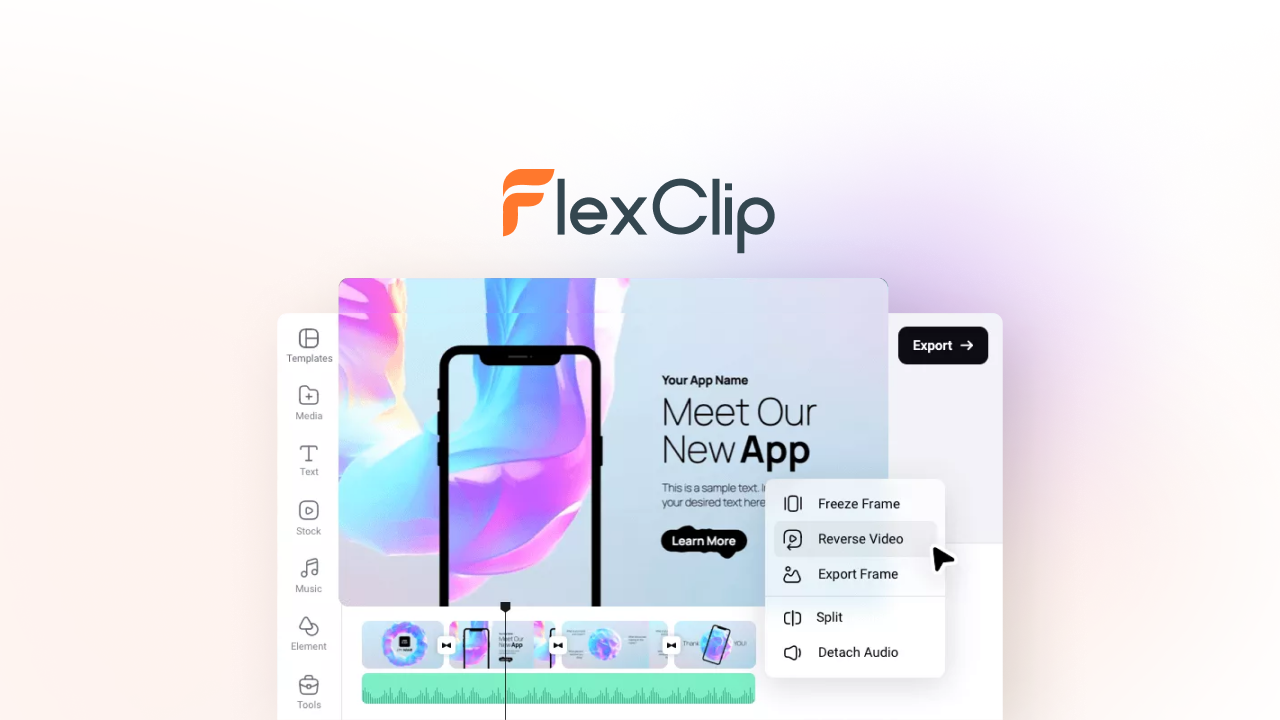
FlexClip is a browser-based video editor built around speed — 4,000+ templates, a 4-million-asset stock library and one-click AI tools — and its AppSumo lifetime deal removes the watermark and the monthly fee in one purchase.
We edited a promo video from a template, tested the screen recorder and AI subtitle generator, and pushed the export pipeline at 1080p and 4K so we could judge whether the “easy video editor” pitch survives real use.
This review covers what FlexClip does, what the three AppSumo tiers cost, where it falls short, and who should buy.
FlexClip review: the fast answer
FlexClip is the fastest route from “blank project” to “exported video” for non-editors — thousands of templates, no watermark, and AI subtitles and voiceover built in — and the AppSumo lifetime deal starts at $99 for the full Plus plan, a sensible buy for marketers and small businesses who make videos weekly.
That is the short version. The longer version is about who FlexClip is for — and who should keep paying for a desktop NLE.
Our analysis shows FlexClip wins on speed and template quality, holds its own on the AI features, and shows its limits only when you need frame-level precision or very long, complex timelines.
What FlexClip actually does
FlexClip is an easy-to-use video editor that runs in the browser on Windows, Mac and Linux, with a mobile companion for image tools. It offers over 4,000 templates for education, business, marketing, festivals, special events and social media, plus access to more than 4 million royalty-free videos, music and photos.
The toolkit splits into six areas:
- Templates — 4,000+ searchable starting points for every social platform and use case
- Editing basics — trim, split, combine, speed control, reverse, transitions, animated text and overlays
- AI tools — AI subtitles, text-to-video, AI voiceover, AI script and image generation (credits-based)
- Screen & webcam recorder — capture tutorials, meetings and presentations
- Brand kit — consistent logos, colors and fonts across exports, plus custom font uploads
- Stock library — millions of royalty-free videos, music and photos with commercial-use rights
Unlike desktop editors, there is no install — you open the browser, pick a template and start cutting.

How we tested the editor
Video tools eat time if they fight you, so we timed every step of a real production workflow.
The results: a template-based promo exported in minutes, AI subtitles were accurate on clean single-speaker audio, and the browser handled everything without a hiccup. The main note from testing: AI subtitle quality drops when a clip has background music or multiple audio tracks.
Feature deep dive
The AI tools and credit economy
FlexClip’s AI layer includes subtitle generation, text-to-video, AI voiceover, script writing and image generation, all running on a credits system. In our testing the AI subtitles were the most useful day-to-day feature — with the caveat that projects with background music or multiple tracks need cleanup (FlexClip’s own guidance recommends a single vocal track and clips under 20 minutes).
Screen and webcam recording
The built-in recorder captures screen, webcam or both — handy for tutorials and client walkthroughs — and drops you straight into the editor timeline, which is a smoother flow than record-in-one-app-edit-in-another.
Brand kit and commercial rights
For businesses, the brand kit (logo, colors, fonts) plus custom font upload keeps every export on-message. Commercial-use rights and reseller rights on the core features mean agencies and freelancers can produce client work legitimately, and there is no FlexClip watermark on any paid tier.
AppSumo pricing and license tiers
The campaign sells lifetime access to the Plus plan (Tier 1) or Business plan (Tiers 2 & 3), with future plan updates mapped automatically. Codes are stackable up to 3:
| License tier | AppSumo price | Plan | Key limits |
|---|---|---|---|
| Tier 1 | $99 (was $600) | Plus | 1080p Full HD downloads, 5 stock videos/audio per project, 30 GB cloud storage, 100 GB hosting, 100 saved templates, 3,000 AI credits |
| Tier 2 | $198 (was $1,200) | Business | 4K Ultra HD downloads, unlimited stock per project, 100 GB storage, 1 TB hosting, 200 templates, 7,000 AI credits |
| Tier 3 | $297 (was $1,800) | Business | Everything in Tier 2 with 12,000 AI credits (highlighted tier) |
Key deal terms we verified on the product page:
- Lifetime access with all future Plus (Tier 1) or Business (Tiers 2–3) plan updates
- Stack up to 3 codes; available to new and returning AppSumo buyers
- Redeem within 60 days of purchase (manual stacking needs FlexClip’s help for pre-2025 purchases)
- 60-day money-back guarantee via AppSumo’s “We Got Your Back” policy
- No watermark, commercial-use rights and reseller rights included
- 4K exports require Tier 2 or 3 — Tier 1 is Full HD
The tier math is simple: Tier 1 for social-media creators who work in 1080p, Tier 2 or 3 if 4K exports or heavy AI-credit use are part of your regular workflow.
Check the current FlexClip deal on AppSumo
Lifetime access starts at $99 (Plus plan, 1080p). Buying through our link supports GoPromotes at no extra cost to you.
Deal terms verified Sep 6, 2026. Prices can change — confirm on the live page.
Who should buy it (and who should skip)
👍 What stands out
- Fastest path to a finished video — template to export in minutes, even for first-timers
- 4,000+ templates and 4M+ stock assets with commercial-use rights
- No watermark on any paid tier, plus reseller rights for client work
- AI subtitles, voiceover and text-to-video built in (credits-based)
- Brand kit and custom fonts keep exports on-message
- 496 AppSumo reviews at a 4.62 average across multiple campaigns
👎 Watch out
- Not a frame-precision NLE — Premiere/CapCut-desktop users will feel the limits on complex timelines
- AI subtitles need clean audio — background music or multi-track projects cause errors
- Stock per project is capped on Tier 1 — 5 videos/audio per project until you upgrade
- Mobile is image-tools only — video editing needs a PC or Mac browser
Buy it if you are a marketer, small-business owner or freelancer who needs polished social and promo videos without learning a timeline. Skip it if you live inside a professional NLE and need multi-cam, color grading or frame-level control — this is a different tool for a different job.
FlexClip vs. the video-editing pack
Canva Video, CapCut and Clipchamp are the usual comparisons for browser editors; Premiere Pro is the professional ceiling. Here is how they stack up:
| Capability | FlexClip | Canva Video | CapCut | Clipchamp |
|---|---|---|---|---|
| Browser-based editing | ✓ Yes | ✓ Yes | App-first | ✓ Yes |
| Template library | ✓ 4,000+ | ✓ Large | ✓ Large | ✓ Good |
| AI subtitles & voiceover | ✓ Credits | ✓ Credits | ✓ Generous free | ✓ Auto-captions |
| 4K export | ✓ Tier 2+ | Pro | ✓ Yes | ✓ Premium |
| Watermark-free | ✓ Paid tiers | Pro | Free has marks | ✓ Paid |
| Reseller / commercial rights | ✓ Included | Pro | Limited | No |
| Typical pricing model | Lifetime (this deal) | Subscription | Subscription | Subscription |
Canva is the stronger all-round design suite; CapCut has the deepest free tier. But for a lifetime license with watermark-free commercial output and reseller rights, FlexClip is the value pick among the browser editors.
Our verdict: FlexClip AppSumo deal
After a week of testing, we rate FlexClip 4.2 / 5 as an AppSumo lifetime purchase for marketers, creators and small businesses.
- For social-media creators: Tier 1 ($99) covers 1080p promo and social video needs with 3,000 AI credits
- For businesses producing 4K content: Tier 2 ($198) adds 4K Ultra HD, 100 GB storage and 1 TB hosting
- For heavy AI users: Tier 3’s 12,000 AI credits justify the extra $99 if you lean on text-to-video and voiceover
- For the cautious: the free plan lets you test the editor before you pay; the 60-day refund is the second safety net
Our verdict in one line: the quickest route from idea to exported, watermark-free video — and at a lifetime price, it quietly replaces a subscription you were probably already paying.
Ready to make videos without the learning curve?
Check the live AppSumo deal, pick your tier, and redeem within 60 days.
Affiliate link — clicking costs you nothing extra.
Frequently asked questions
What is FlexClip?
FlexClip is an easy-to-use video editor for Windows, Mac and Linux that runs in the browser. It offers 4,000+ templates, access to 4M+ royalty-free videos/music/photos, animated text, widgets, overlays, intros/outros, screen recording and AI tools.
What browsers does FlexClip support?
Google Chrome, Firefox and Safari. FlexClip recommends Chrome for optimal stability and functionality.
Can I use FlexClip on mobile?
You can use image tools on mobile, but for generating and editing videos FlexClip recommends a PC or Mac browser.
How do I record my screen with FlexClip?
Go to Media > Record > Record Screen or Webcam, select “Screen Only,” adjust settings, start recording, choose the screen to share, then stop and review before editing.
Why are my AI subtitles incomplete?
AI subtitle generation can fail on projects with multiple audio tracks, original background music, or very long clips. Keep a single vocal track, separate vocals from music, and keep clips under 20 minutes for best results.
What happens if I do not redeem my AppSumo code in time?
Codes must be redeemed within 60 days of purchase. If you miss the window, contact FlexClip support for manual stacking help (required for pre-2025 purchases anyway).
Can I get a refund if it is not for me?
Yes. AppSumo’s “We Got Your Back” guarantee covers this deal for 60 days.