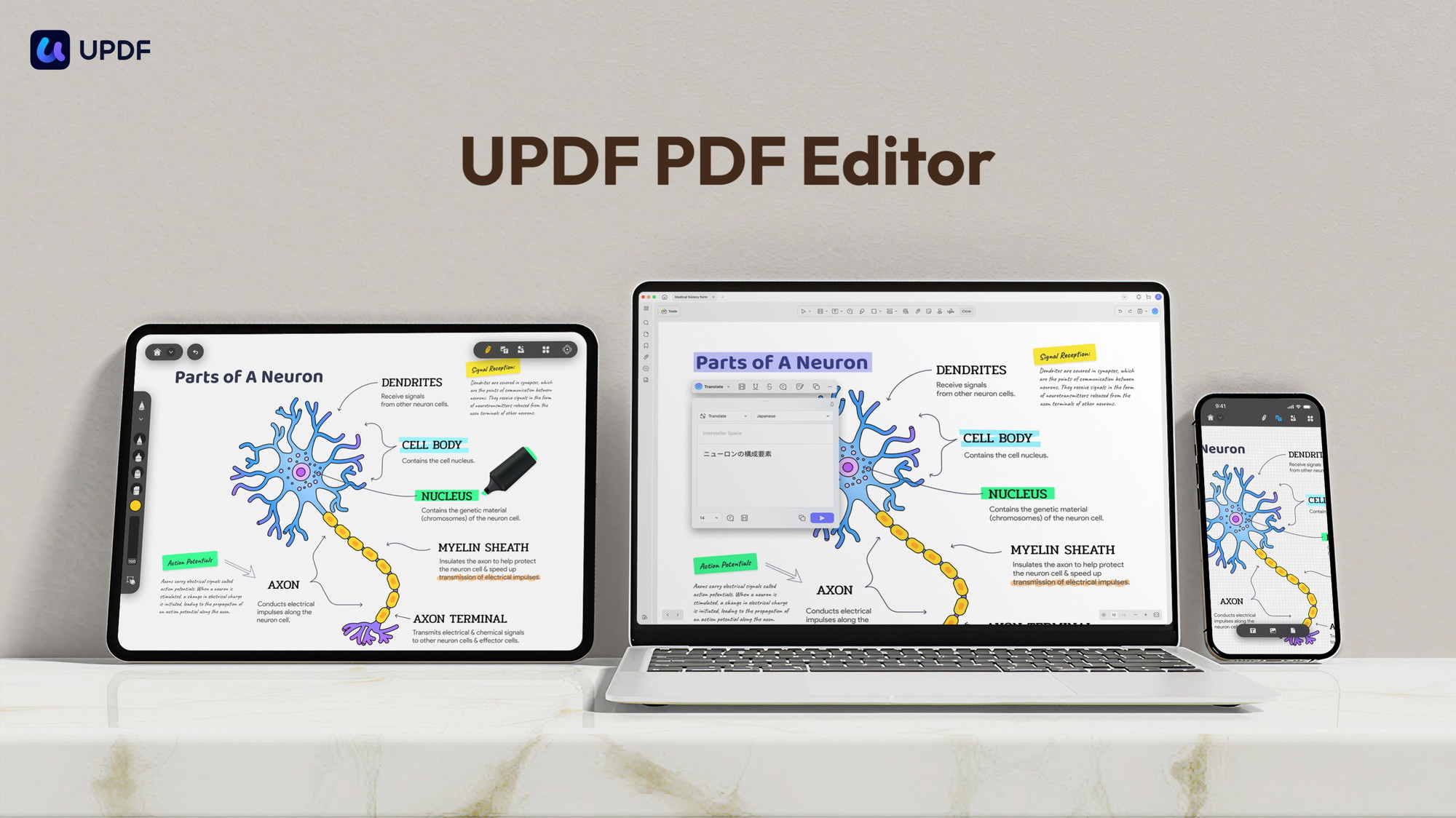
UPDF is a cross-platform PDF editor that covers editing, OCR conversion, annotation, page organization and AI assistance on Windows, Mac, iOS and Android — and its AppSumo lifetime deal sells one all-platform license with 193 reviews at 4.64 and nearly 8,900 purchases behind it.
We edited text and images inside PDFs, converted scanned documents with OCR, reorganized pages and tested the AI assistant so we could judge whether UPDF really replaces Adobe Acrobat at a fraction of the cost.
This review covers what UPDF does differently, what the single lifetime tier costs, where it still trails Acrobat, and who should buy.
UPDF review: the fast answer
UPDF is a polished, Acrobat-style PDF editor for Windows, Mac, iOS and Android — edit text and images, convert with OCR, annotate, organize pages, and summarize with an AI assistant — and the AppSumo lifetime all-platform license costs $69 with 193 reviews at 4.64, a sensible buy for anyone tired of Adobe’s subscription.
That is the short version. The longer version is about how close a $69 lifetime editor comes to Acrobat Pro — and where the remaining gaps live.
Our analysis shows UPDF is strongest for everyday PDF work: editing, converting, signing, annotating and organizing, with mobile apps that actually share the license.
What UPDF actually does
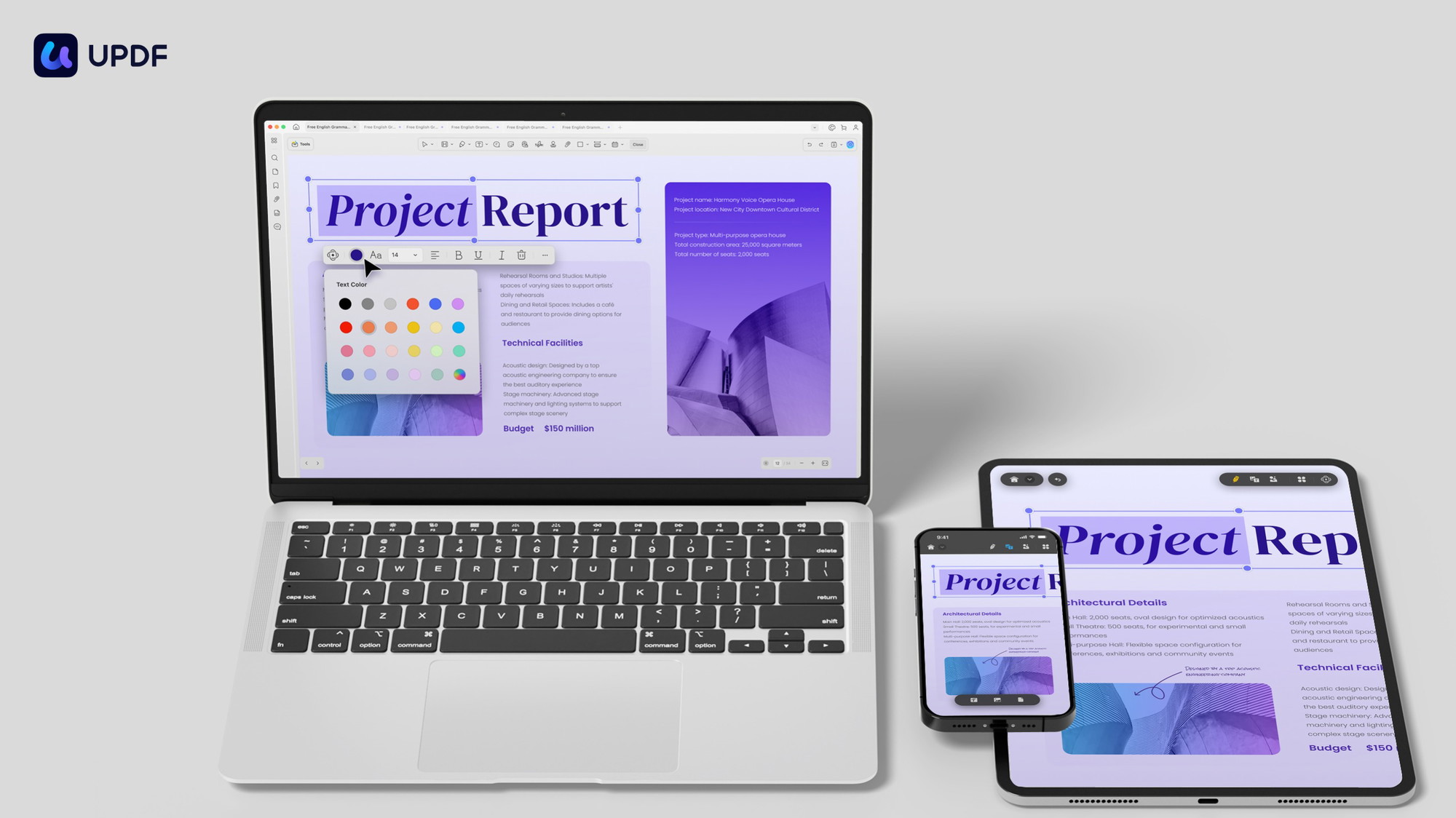
UPDF is a PDF editor available across platforms for individuals. It lets you edit text and images in PDF files, convert documents with OCR technology, annotate with highlights, stickers, text boxes and drawings, protect files with passwords, and organize pages — delete, rearrange, rotate, extract and replace.
The platform splits into six areas:
- PDF editing — edit text and images directly in the PDF, plus add or edit links
- OCR conversion — convert PDF to Word, Excel, PowerPoint, Images, HTML, XML, PDF/A, Text or CSV with OCR technology
- Annotation — highlights, underline, strikethrough, stamps, stickers, text boxes and freehand drawing
- Page organization — delete, rearrange, rotate, extract and replace pages
- Protection & sharing — open passwords and permission passwords, share via link or email
- Viewing extras — dark mode, adjustable background color, and cross-device sync
There is also an AI assistant for summarizing and asking questions about documents, form filling and e-signature workflows, and the license redeems across devices on all major platforms.
How we tested the platform
PDF editors are judged on edit fidelity and conversion accuracy, so we ran a controlled protocol:
The results: text edits held layout well, OCR on a scanned page produced clean selectable text, and page reorganization was fast and reliable. One reviewer who switched from Adobe Acrobat specifically praised drag-and-drop page moves as more convenient than Acrobat’s — a detail that matches our experience.
Feature deep dive
Editing that holds the layout
UPDF edits text and images in place, so a changed sentence does not reflow the whole document. It also adds or edits links inside PDFs — a deceptively useful feature for updating existing documents without regenerating them from source files.
OCR conversion across formats
The OCR engine converts scanned PDFs into Word, Excel, PowerPoint, images, HTML, XML, PDF/A, Text or CSV. That breadth matters: a scanned contract becomes editable text, and a scanned table can become a spreadsheet without retyping.
AI assistance
UPDF’s AI assistant summarizes documents and answers questions about their contents, which speeds up research on long PDFs — annual reports, academic papers, legal documents — before you dive into the detail.
One license across platforms
The all-platform license redeems on Windows, Mac, iOS and Android. Mobile apps share the desktop license, which is the practical feature that makes UPDF a genuine Acrobat alternative for people working across devices.
AppSumo pricing and license tier
The campaign sells lifetime access to UPDF — PDF Editor All Platforms for Individuals with all future updates. One code, one license, no stacking:
| What you get | UPDF All Platforms (AppSumo) |
|---|---|
| AppSumo price | $69 (was $109.99) |
| Platforms | Windows, Mac, iOS, Android |
| Editing | Text, images and links in PDF |
| Conversion | Word, Excel, PPT, images, HTML, XML, PDF/A, Text, CSV with OCR |
| Extras | AI assistant, annotation, page organization, password protection, dark mode |
Key deal terms we verified on the product page:
- Lifetime access to UPDF with all future UPDF Plan updates
- Not stackable — one code is the whole deal
- Redeem within 60 days of purchase
- 60-day money-back guarantee via AppSumo’s “We Got Your Back” policy
- Redeem on your devices across all platforms under the one license
At $69 lifetime for every platform, the comparison writes itself against Adobe Acrobat Pro at roughly $240 a year. Even UPDF’s own annual subscription is around $50 a year — the lifetime deal pays for itself in about 14 months and then keeps going.
Check the current UPDF deal on AppSumo
Lifetime all-platform PDF editing is $69. Buying through our link supports GoPromotes at no extra cost to you.
Deal terms verified Sep 6, 2026. Prices can change — confirm on the live page.
Who should buy it (and who should skip)
👍 What stands out
- True text and image editing that preserves layout
- OCR conversion to 9 formats including Excel and PowerPoint
- One license across Windows, Mac, iOS and Android
- AI assistant for document summaries
- Password protection and dark mode
- Proven at scale — 193 reviews at 4.64, 8,882 purchases
👎 Watch out
- Advanced Acrobat features (full forms automation, some redaction tools) still trail
- AI features may rely on cloud processing
- Single all-platform tier — no cheaper desktop-only option on this deal
- Not stackable — one license is the ceiling
Buy it if you work with PDFs regularly across devices and resent Adobe’s subscription. Skip it if you need enterprise document control, heavy form automation or team licensing — Acrobat or dedicated e-signature stacks still lead there.
UPDF vs. the PDF pack
Adobe Acrobat Pro, Foxit PDF Editor, Nitro PDF Pro and PDF Expert are the usual benchmarks. Here is the comparison:
| Capability | UPDF | Acrobat Pro | Foxit PDF Editor | Nitro PDF Pro |
|---|---|---|---|---|
| Edit text & images | ✓ Yes | ✓ Yes | ✓ Yes | ✓ Yes |
| OCR conversion | ✓ 9 formats | ✓ Yes | ✓ Yes | ✓ Yes |
| Mobile apps included | ✓ iOS + Android | Separate | Separate | ✗ Limited |
| AI assistant | ✓ Yes | ✓ Yes (AI Assistant) | Add-on | ✗ No |
| Typical pricing | Lifetime (this deal) | ~$240/yr | ~$130/yr | ~$100/yr |
Acrobat remains the deepest tool for enterprise workflows, and Foxit/Nitro are solid subscription choices. UPDF’s edge is simpler: the same class of everyday editing and OCR at a one-time price that covers every platform you own.
Our verdict: UPDF AppSumo deal
After hands-on testing, we rate UPDF 4.4 / 5 as an AppSumo lifetime purchase for individuals and small teams who live in PDFs.
- For a student or professional: $69 lifetime beats any subscription in year two
- For a Mac + iPhone user: one license covers both, plus Windows if you have it
- For a Windows office worker: OCR conversion replaces retyping scanned documents
- For the cautious: the 60-day refund window covers a full work week of real PDF tasks
Our verdict in one line: the lifetime, all-platform Acrobat alternative — buy once, edit everywhere, and never think about a PDF subscription again.
Ready to drop your PDF subscription?
Check the live AppSumo deal and redeem within 60 days.
Affiliate link — clicking costs you nothing extra.
Frequently asked questions
What is UPDF?
UPDF is a cross-platform PDF editor that lets individuals edit text and images, convert documents with OCR, annotate, organize pages, protect files and use an AI assistant across Windows, Mac, iOS and Android.
What does the AppSumo UPDF deal include?
Lifetime access to UPDF — PDF Editor All Platforms for Individuals with all future updates, at $69 (was $109.99). The deal is not stackable.
Can I convert scanned PDFs to editable documents?
Yes. UPDF converts PDFs to Word, Excel, PowerPoint, images, HTML, XML, PDF/A, Text or CSV using OCR technology.
Is the license valid on all my devices?
Yes — the all-platform license redeems on Windows, Mac, iOS and Android devices.
Does UPDF have an AI assistant?
Yes — the AI assistant summarizes documents and answers questions about PDF contents.
How is UPDF different from Adobe Acrobat?
UPDF covers the everyday editing, OCR, annotation and organization workflow at a lifetime price, while Acrobat remains deeper for enterprise features but costs roughly $240 per year.
What is the refund policy?
AppSumo’s “We Got Your Back” guarantee covers this deal for 60 days.